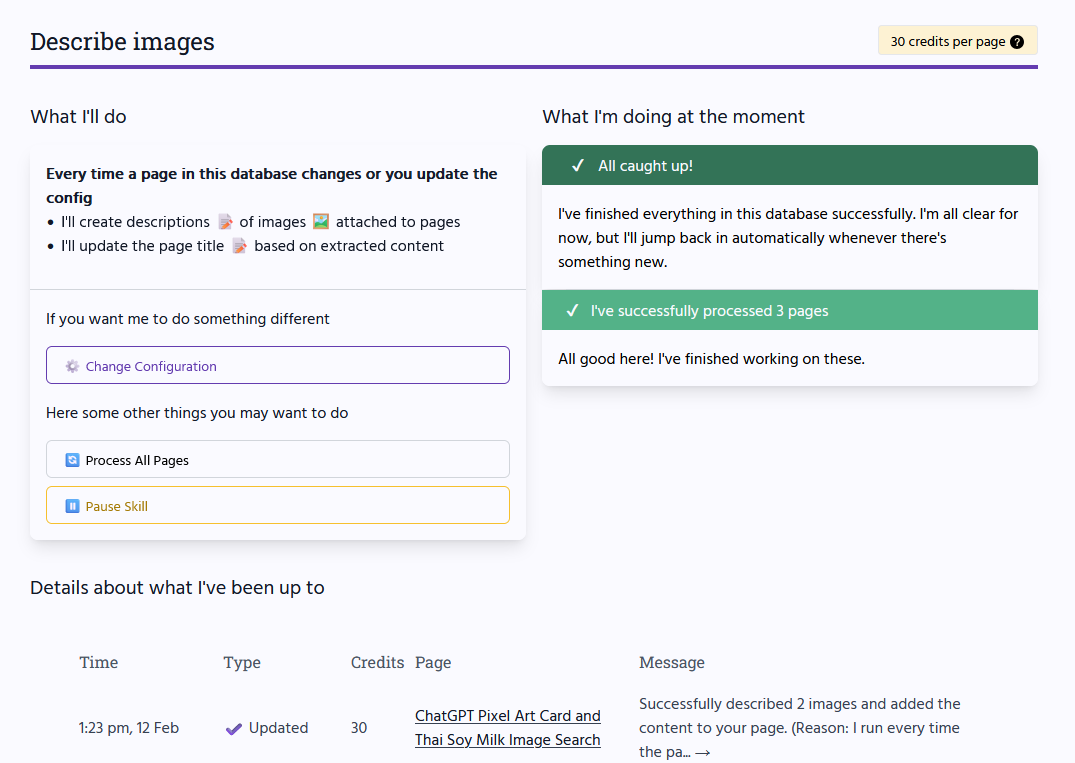
Your images, finally organised.
Automatically in Notion ✨
Image Scribe sets titles and dates for your images.

And also adds full descriptions to your pages.
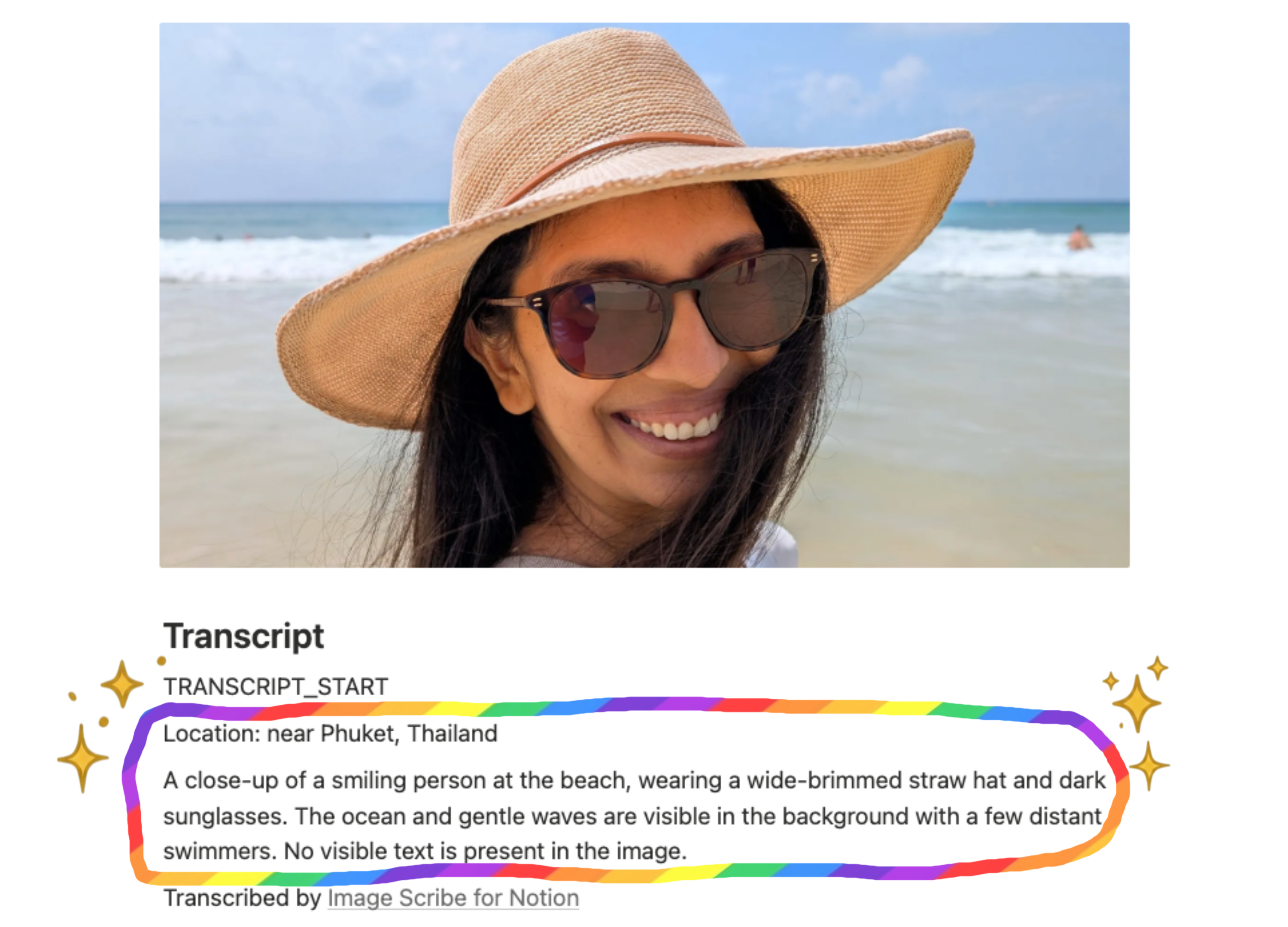
Turn images into insights.
- ★10,000 free AI credits (300+ pages)
- ⌕Images organised automatically in Notion
- ✓Secure, enterprise-grade infrastructure
- ♥Built with care by Shally & Max at pureleap
This is how it's done:
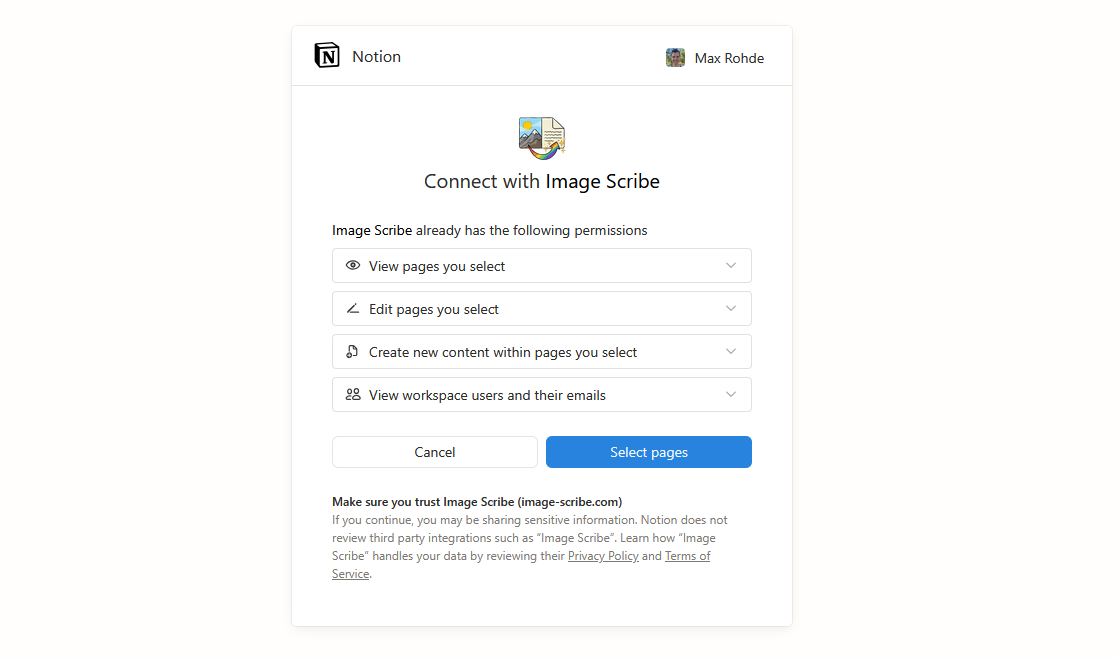
Step 1 — Connect with Notion
Sign in and securely connect your Notion workspace
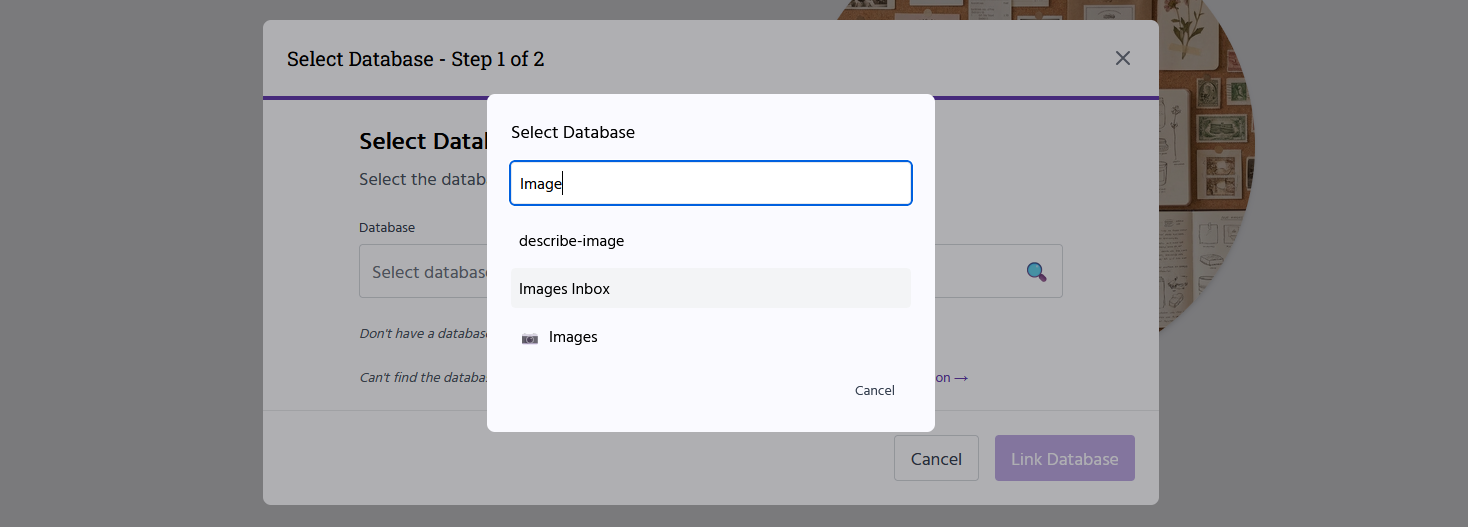
Step 2 — Select the databases to automate
Choose the databases where you want images turned into text.
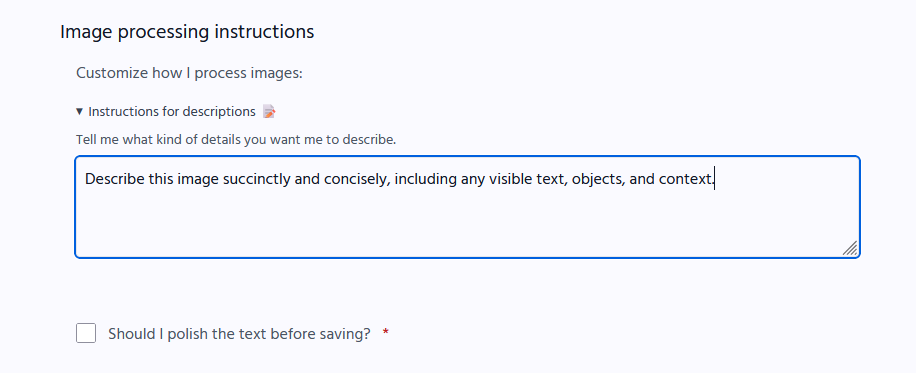
Step 3 — Tell Image Scribe what Matters
Decide what should be extracted from your images.
Step 4 — Let it Run
Process existing pages in a database or add new pages.